
From a console capture to a shareable link
I wanted to share my Switch matches without handing them to a video platform, so I built a small video service of my own. Private recordings go in, adaptive HLS streams come out, and a public site plays them.
The product spans two codebases. A serverless AWS workflow does the processing and has its own login-protected manager page. A static React site handles playback. Nothing runs while nobody is uploading or watching.
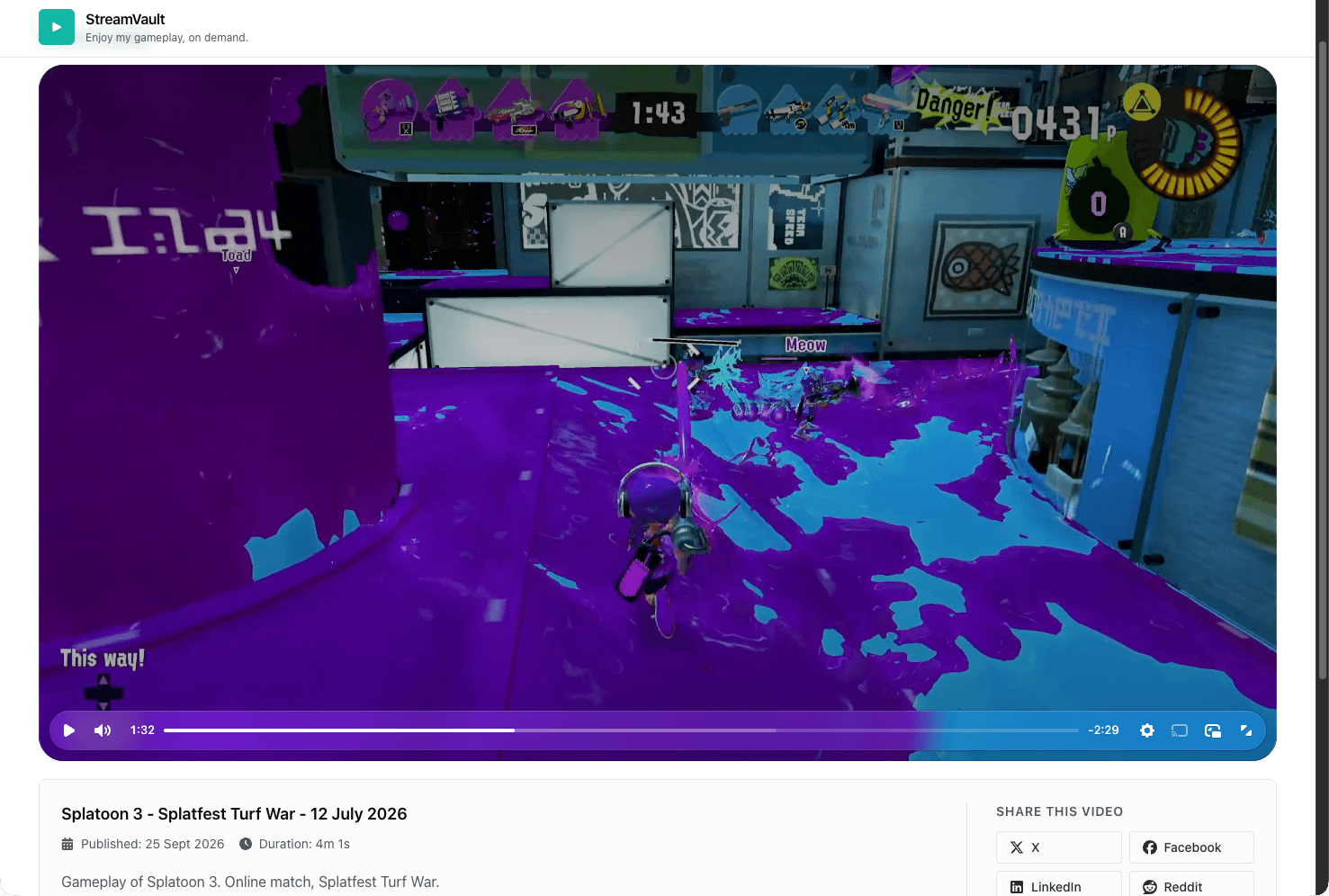
This match was recorded on a Switch, transcoded by MediaConvert, published by the pipeline, and is streamed from CloudFront, the same path every video on StreamVault takes. Watch it on StreamVault →
Two projects, one product
Project one · Private
Serverless VOD workflow
The AWS side ingests private recordings, transcodes them to adaptive HLS, publishes a catalog, and gives me a login-protected page to run it all.
- S3
- Lambda
- MediaConvert
- EventBridge
- CloudFront
- Cognito
- API Gateway
Project two · Open source
StreamVault
The viewer side is a static React site on GitHub Pages. It reads the published catalog and plays each video straight from CloudFront.
- React 19
- TypeScript
- Chakra UI
- Video.js
- hls.js
- GitHub Pages
A recording's path to a viewer
Every video follows the same six steps, and only the first three involve me.
- Capture on Switch
- Upload to S3
- Start from the manager
- Transcode to HLS
- Verify and publish
- Watch on StreamVault
Nothing waits on the transcode
The Lambda submits a MediaConvert job and exits. EventBridge reports when the job finishes, so no function sits idle while a long recording is processed.
Publishing is earned
A video enters the catalog only after its master playlist exists and a browser-style CORS check passes on its playlists and segments.
Five boundaries around one catalog
The system splits into a local admin plane, a control plane in AWS, the processing core, a playback edge, and a public client. Everything added after the first version sits at the edges of the core, and all of it meets at the catalog file.
A private door for the operator
The first version ran on aws lambda invoke and hand-written JSON. The manager page puts the same actions behind a login, validates input, and asks for the video ID typed out before it deletes anything.
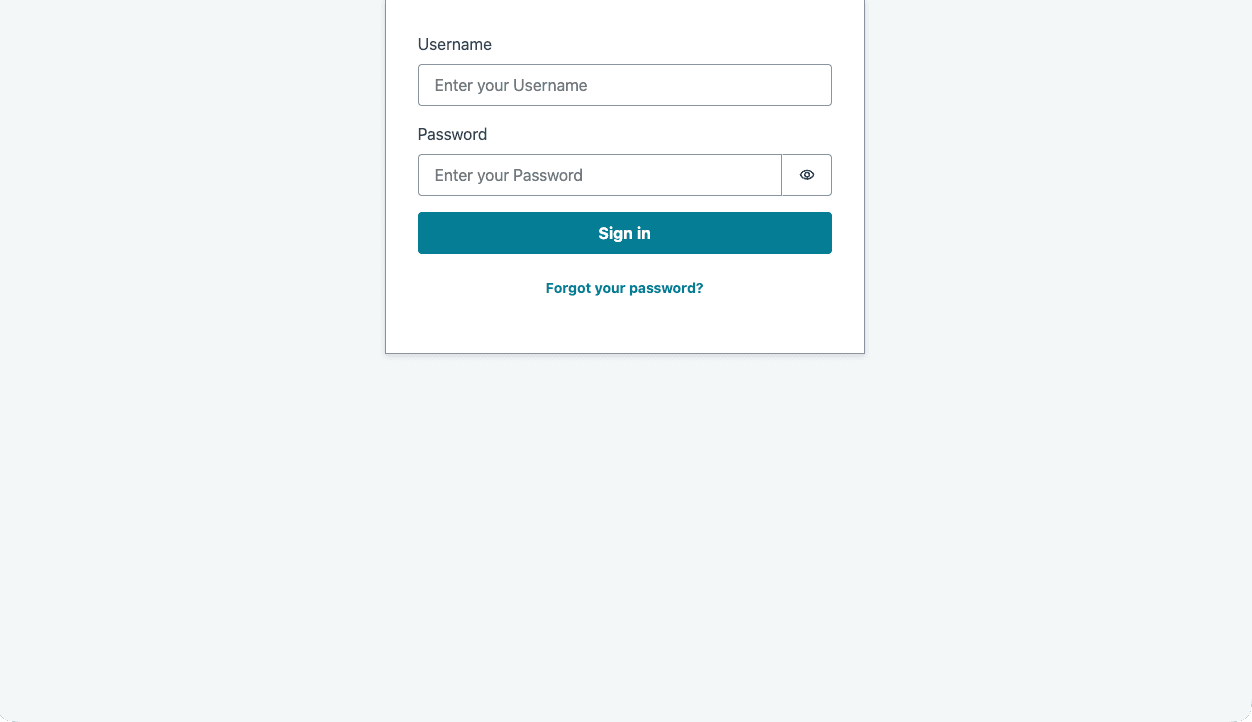
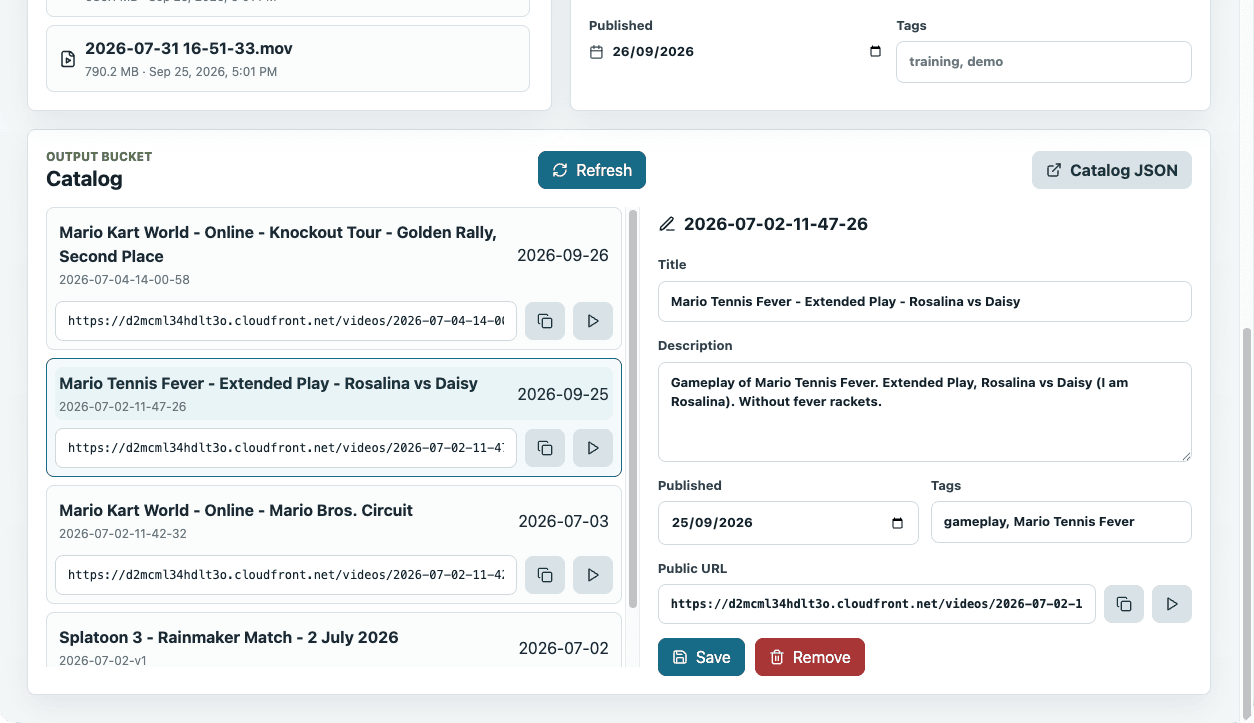
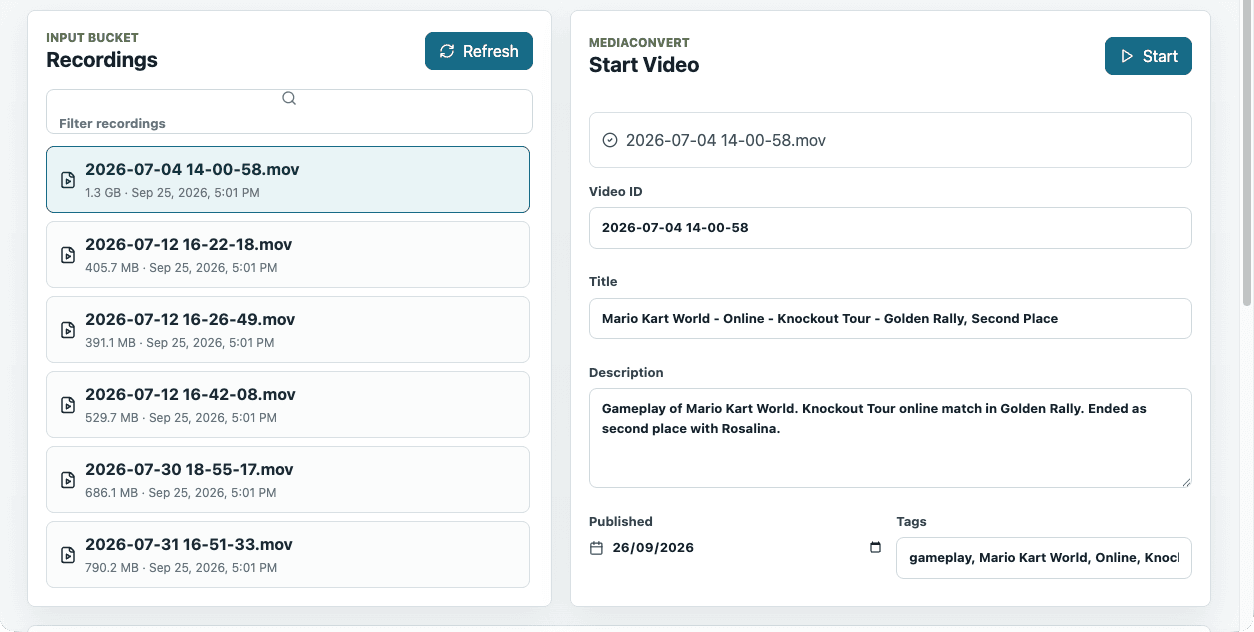
It can't upload files or delete source recordings. That's deliberate, and it keeps the page's permissions smaller than the command line it replaced.
Every request is checked before code runs
The browser calls the API directly, so the API is public at the network level. Cognito and API Gateway decide who gets in before any Lambda starts.
The token is checked before any Lambda runs
A Cognito app client with no secret and no self-registration signs the operator in, and the HTTP API's JWT authorizer rejects bad tokens at the door.
Read the implementation detail →One Lambda, five routes, no new powers
ManagerApi hands starting and cleaning up videos to the functions that already existed, so every validation rule still lives in one place.
Read the implementation detail →The smallest role in the account
It lists recordings, reads and writes one catalog object, and invokes two functions. It has no MediaConvert, PassRole, or delete permission.
Read the implementation detail →Asynchronous from upload to publish
A job moves through a short lifecycle, and only one path ends with a video in the catalog. Failures are logged and leave the catalog untouched.
Adaptive HLS from one template
The MediaConvert template produces the master playlist, the renditions, and the segments. There is no transcoder code to maintain.
Private buckets, public edge
Both buckets stay private. CloudFront reads the output bucket through Origin Access Control and is the only public path to a video.
The bug curl couldn't see
Some videos played on the public site and others didn't, while every curl test passed. Origin wasn't part of CloudFront's cache key, so whoever requested a file first decided whether the cached copy carried CORS headers.
The fix
Make the header constant, then check it before publishing
A CloudFront Function now adds CORS headers to every response, cached or not. The publishing Lambda requests each new video the way a browser would and refuses to list one that a browser couldn't read.
Read the incident →The public vault
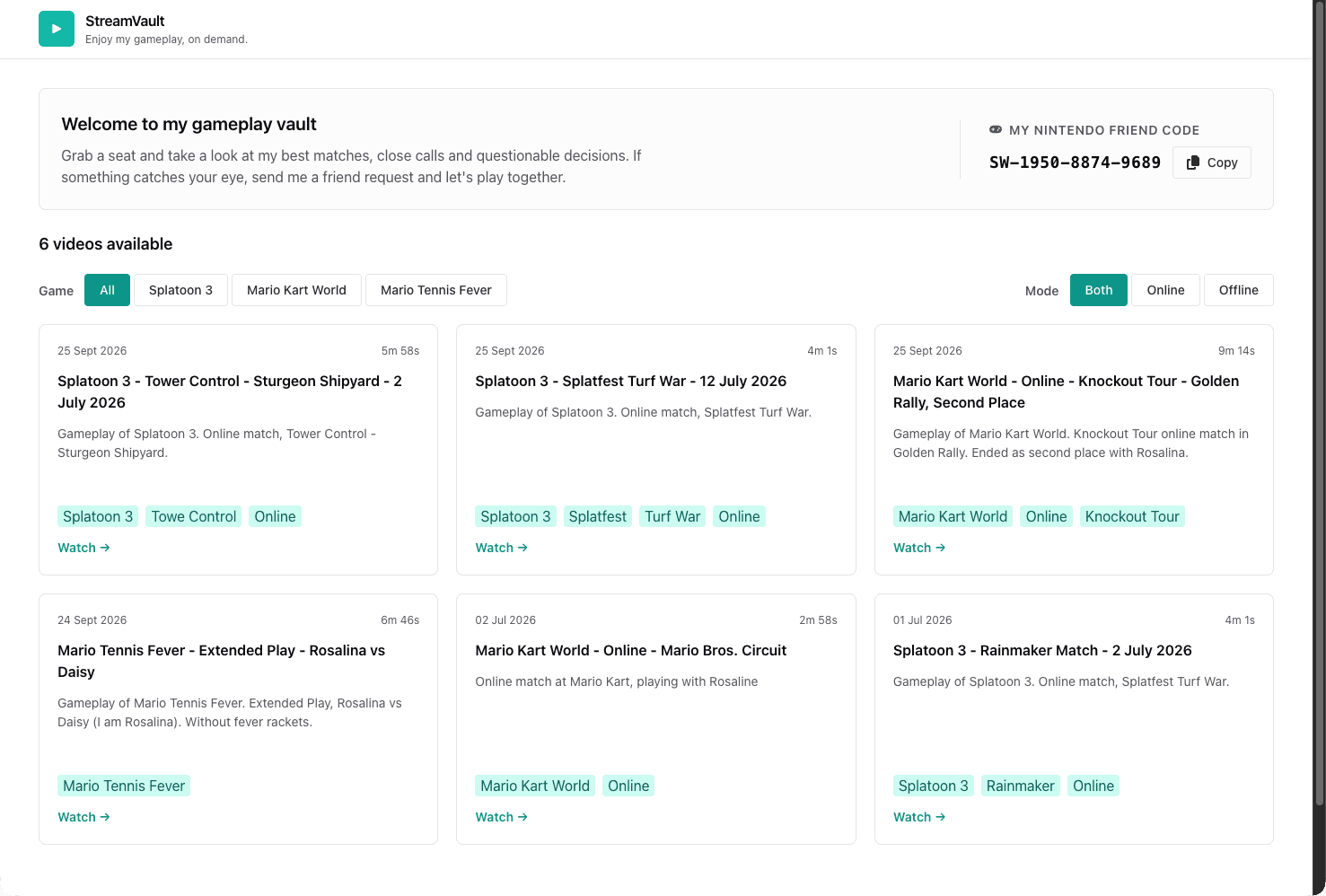
Static by design. React 19, TypeScript, and Chakra UI, with a lazy-loaded player route so Video.js and hls.js only download when someone opens a video.
It doesn't trust the catalog.A timeout and a strict parser guard every fetch, and a copy bundled at build time kept the grid on screen during the CORS incident.
Hosted on GitHub Pages. A project base path and a 404 redirect handle deep links, and GitHub Actions deploys every push to main.
Read the full build
This page is the overview. The two articles cover the private pipeline and manager in detail, including the decisions and the mistakes.
Part one · The pipeline
AWS serverless video on demand workflow
A serverless AWS pipeline that turns private recordings into HLS playback with MediaConvert, S3, Lambda, EventBridge, and CloudFront.
S3, MediaConvert, EventBridge, CloudFront, and the IAM behind them.
14 min readRead the article →
Part two · The manager and the player
Serverless VOD part two, an admin API and a public vault
How the video pipeline gained a Cognito-protected manager page, an HTTP API, a CORS fix only production could expose, and a public player.
Cognito, API Gateway, ManagerApi, two rounds of CORS, and StreamVault.
26 min readRead the article →
The outcome
A private pipeline and a public player that meet at one JSON file.
Recordings stay private, playback stays public, and nothing runs between uploads. Each side can change on its own schedule as long as the catalog keeps its shape.